
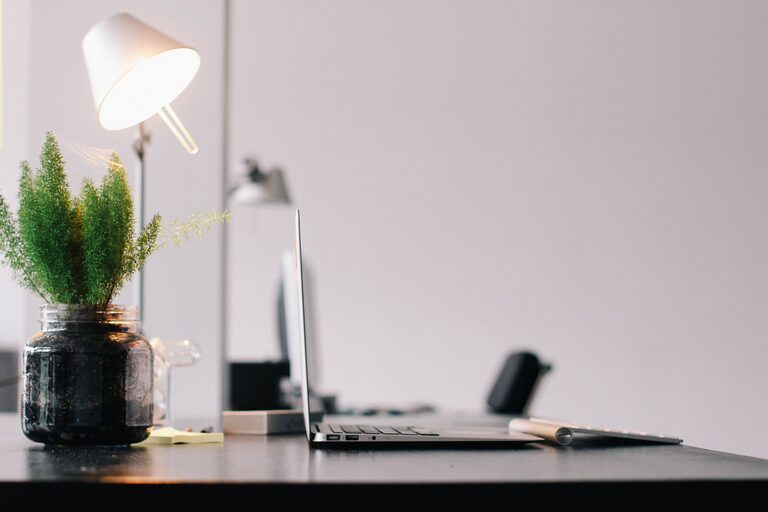
Working from home offers flexibility but also presents unique challenges when it comes to staying productive. One of the most important factors to get right is your workspace. A well-organized home workspace can help you focus better, feel motivated, and maintain a healthy work-life balance even within the same environment.
Here are some useful tips for organizing a productive home workspace that works for you.
Choose the Right Location
The foundation of an effective home workspace is its location. Ideally, pick a spot that:
– Has minimal distractions
– Offers good natural light
– Has enough room for your work essentials
– Can be separated from living areas if possible
If space is limited, try to carve out a dedicated nook or corner that signals “work time” whenever you enter. Avoid working from your bed or couch as it can blur the lines between rest and work.
Invest in Comfortable and Functional Furniture
Ergonomics matter. An uncomfortable chair or desk setup can affect your posture, cause fatigue, and reduce productivity.
– Select a chair with good lumbar support.
– Use a desk at a height where your arms rest comfortably while typing.
– Consider a standing desk or adjustable sitting/standing desk if you prefer variety.
– Ensure your monitor is at eye level to avoid neck strain.
Ergonomic furniture is an investment in your health and productivity.
Declutter and Organize
A cluttered workspace leads to a cluttered mind. Keep your workspace tidy by:
– Only keeping essentials on the desk
– Using organizers like trays, drawer dividers, or desk caddies
– Having storage solutions for papers, supplies, and gadgets
– Regularly cleaning your space to remove dust and unnecessary items
Digital clutter is important too. Organize your files and desktop to reduce distractions.
Optimize Lighting
Good lighting reduces eye strain and refreshes your mood.
– Maximize natural daylight by positioning your workspace near windows.
– Use a desk lamp with adjustable brightness for late hours.
– Avoid glare on your screen by adjusting blinds or repositioning your monitor.
Balanced lighting creates a pleasant work environment and helps maintain energy levels.
Minimize Distractions
To maintain focus during work hours:
– Turn off non-essential notifications on your devices.
– Use noise-canceling headphones or play background music if noise is inevitable.
– Inform household members of your working hours to reduce interruptions.
– Keep your phone on silent or in another room if possible.
Setting boundaries helps create a more professional atmosphere at home.
Personalize Your Space
Adding personal touches can boost your motivation and make your workspace inviting.
– Include plants to improve air quality and add calmness.
– Display artwork or photos that inspire you.
– Choose a color scheme or decor that makes you feel comfortable and energetic.
Just be careful not to overdo it—too many decorations can become distracting.
Establish Work Zones
If your home office is a multipurpose area, try to define zones for different activities:
– A workstation for focused work
– A reading or brainstorming corner
– An area for meetings or calls with proper seating and background
This separation helps shift your mindset as you move between zones.
Maintain a Routine
A productive workspace is only effective if paired with good habits.
– Set consistent work hours.
– Take breaks away from your desk to stretch and rest your eyes.
– End your workday by tidying your space to prepare for tomorrow.
Regular routines keep your workspace functional and your mind prepared.
Utilize Technology Wisely
Tech tools can enhance productivity but also add clutter if unmanaged.
– Keep your cables organized with clips or sleeves.
– Use planners or to-do list apps to stay organized.
– Regularly update software and backup your data.
A streamlined tech setup supports smooth workflow.
—
Organizing your home workspace has a direct impact on your efficiency and well-being. By creating a comfortable, organized, and distraction-free environment tailored to your needs, you will find it easier to focus and accomplish your tasks. Start implementing these tips today and experience a more productive work-from-home experience.